

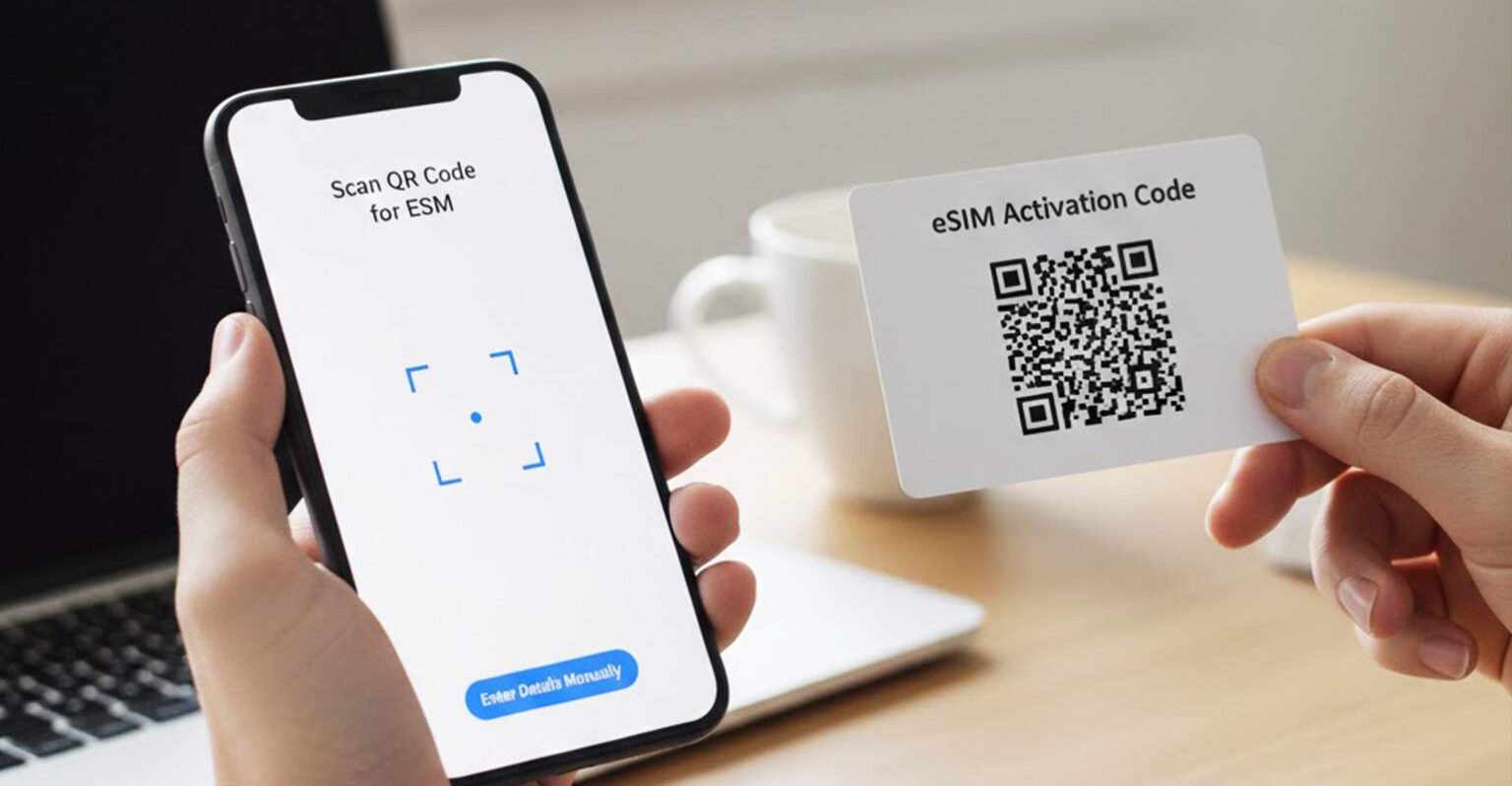
How to activate eSIM is one of the most common questions for travelers and smartphone users who want hassle-free mobile connectivity without using a physical SIM card. eSIM technology makes it easy to connect to mobile networks digitally, especially when using international eSIM providers like Holafly. In this guide, we’ll explain everything you need to know about activating an eSIM on your device.
What Is an eSIM?
An eSIM (embedded SIM) is a digital SIM that is built directly into your smartphone, tablet, or smartwatch. Unlike traditional SIM cards, you don’t need to insert or remove anything physically. You can simply download and activate a mobile plan using a QR code or manual setup.
Why Use an eSIM?
Using an eSIM comes with many advantages, especially for international travel:
- No physical SIM card required
- Instant activation anywhere in the world
- Easy switching between multiple networks
- No roaming charges with travel eSIMs
- Environment-friendly and secure
Devices Compatible With eSIM
Before learning how to activate eSIM, make sure your device supports it. Most modern smartphones are eSIM-compatible, including:
- iPhone XS and newer models
- Samsung Galaxy S20 and newer
- Google Pixel 3 and above
- Many newer tablets and smartwatches
You can check your device settings or manufacturer website for confirmation.
How to Activate eSIM on iPhone
Follow these simple steps to activate an eSIM on an iPhone:
- Go to Settings
- Tap Cellular or Mobile Data
- Select Add eSIM
- Choose Scan QR Code
- Scan the QR code provided by your eSIM provider
- Follow on-screen instructions to complete setup
Once activated, your eSIM will connect automatically to the network.
How to Activate eSIM on Android
The process on Android devices is also easy:
- Open Settings
- Go to Network & Internet
- Tap SIMs or Mobile Network
- Select Add eSIM
- Scan the QR code
- Confirm and activate the plan
Your Android device will connect once setup is complete.
When Should You Activate Your eSIM?
For best results, activate your eSIM:
- Before traveling (with Wi-Fi access)
- At your destination using stable internet
- As per your provider’s instructions
Some eSIMs start working immediately after activation, while others activate once you reach the destination country.
Common eSIM Activation Issues and Solutions
If your eSIM doesn’t work, try these fixes:
- Restart your phone
- Make sure mobile data is enabled
- Check if the eSIM is set as primary
- Ensure your phone is unlocked
- Contact eSIM provider support
Most issues are minor and can be resolved quickly.
Is eSIM Safe to Use?
Yes, eSIM technology is completely safe and designed with advanced security standards to protect user data. It uses encrypted connections, which means your personal information and internet activity remain secure at all times. Just like learning How to Use a Compass helps you navigate safely, using an eSIM helps you stay connected without the risks of physical SIM cards. It also reduces the chances of SIM theft, loss, or damage while traveling. Trusted providers like Holafly ensure secure, stable, and reliable data access across multiple countries worldwide.
Final Thoughts
Now you know how to activate eSIM on both iPhone and Android devices. eSIMs are the future of mobile connectivity, offering convenience, flexibility, and instant activation especially for travelers. With just a few steps, you can stay connected anywhere without the need for physical SIM cards.
MORE ARTICLES :Mike Israetel Height Explained: How Tall Is the Fitness Expert?